

09 / Personal Project / Case study by Francis Emil M. Cortez
Gmail Inbox Organizer
Gmail automation that keeps important messages in view while labeling and archiving routine email, without deleting messages or changing unread status.
- Role
- Automation developer — personal project
- Focus
- Automation, Google Apps Script, Productivity, Workflow Automation
- Links
- Source code ↗
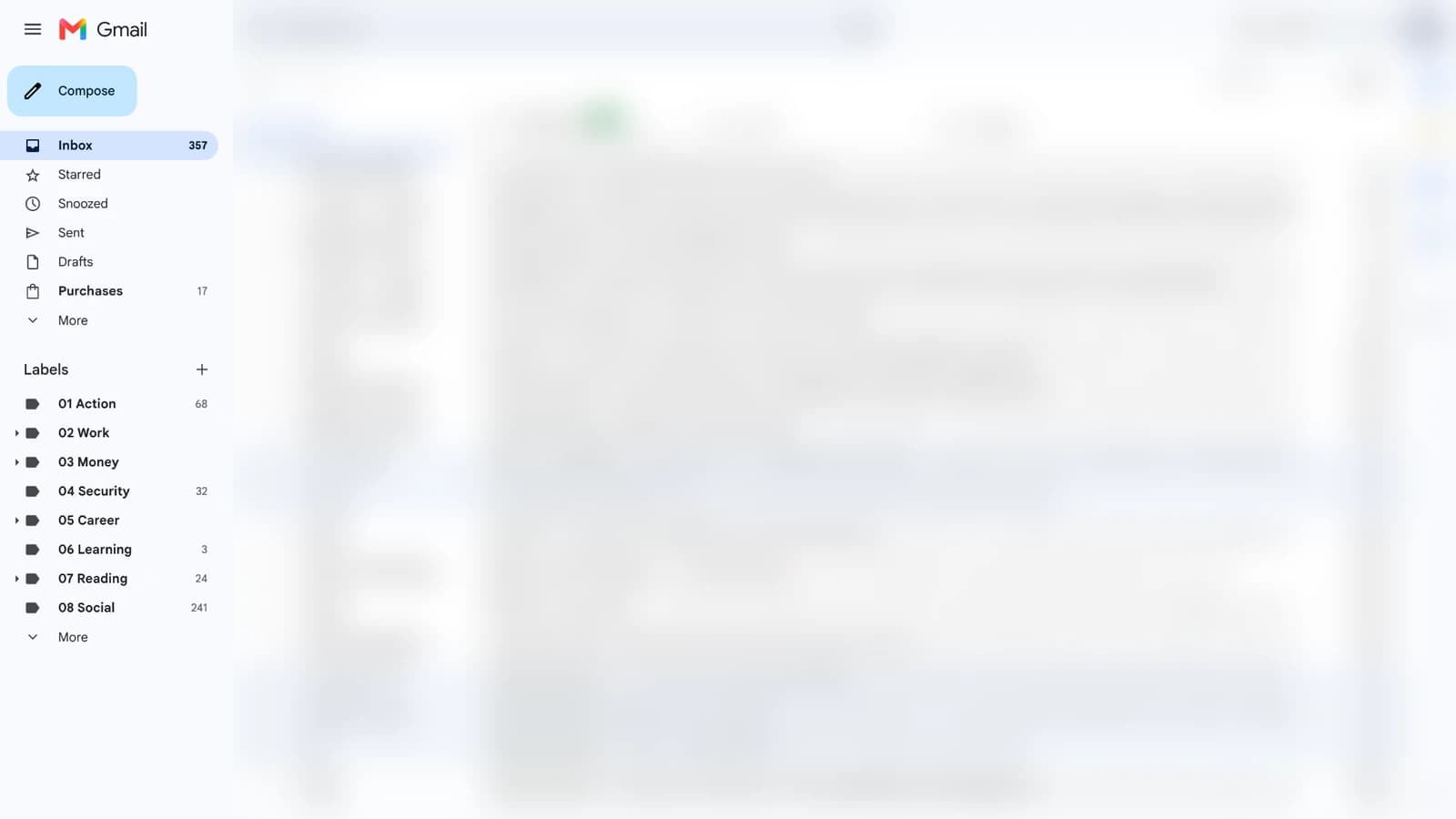
How it works.
Google Apps Script runs triage every five minutes, applying contextual labels and keeping security alerts, bank transactions, meeting notes, job applications, and urgent GitHub activity in the inbox. Low-priority notifications are archived after 12 hours. Starred messages stay in the inbox; the script never deletes messages, moves them to Trash, or marks them as read. Clasp supports version-controlled deployment.
Challenge
- Organize routine email while keeping important messages visible and preserving unread status.
Decisions
- The documented workflow labels and archives routine email without deleting messages or changing unread status.